Migrate mailboxes to a new server, in bulk
Mail, calendars and contacts, from PST files, Exchange, Microsoft 365, Google or IMAP. Free and open source, on your own server.
- PST and OST
- mbox, Maildir, EML, MSG
- Exchange (EWS)
- Microsoft 365
- Google Workspace
- IMAP
- JMAP
- CalDAV and CardDAV
- IMAPMail
- CalDAVCalendars and tasks
- CardDAVContacts
- JMAPMail and contacts
- ExchangeEverything, with tasks
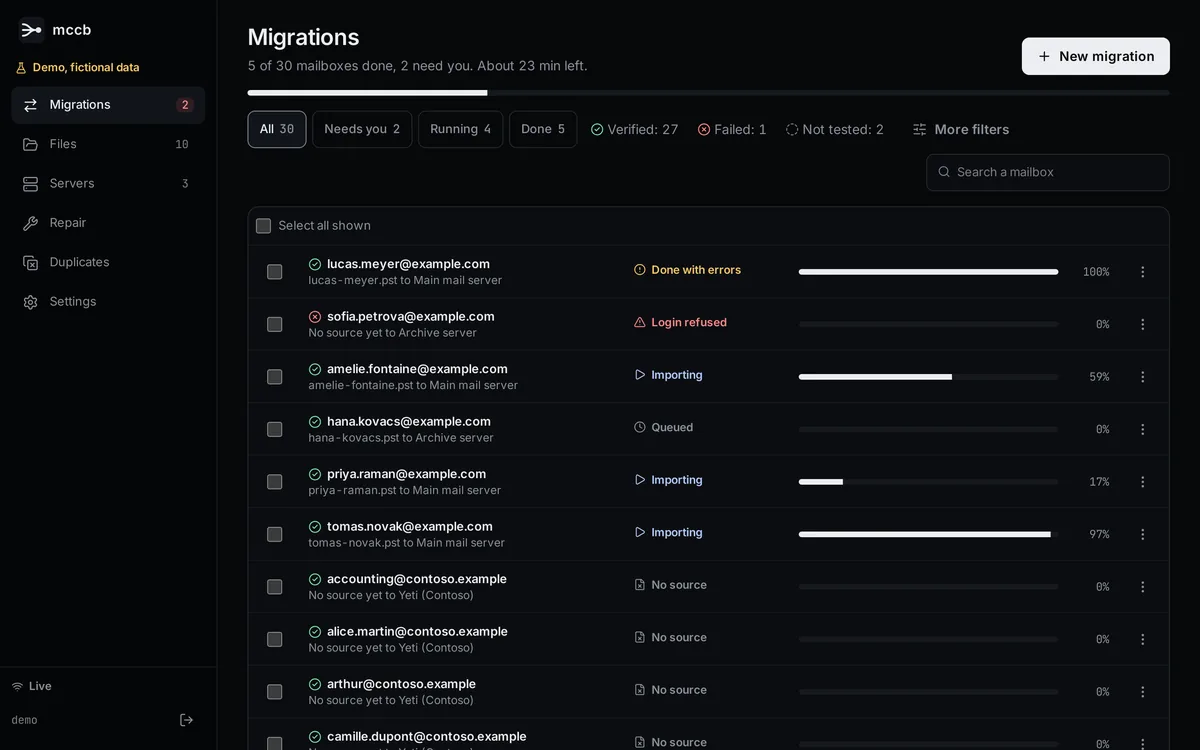
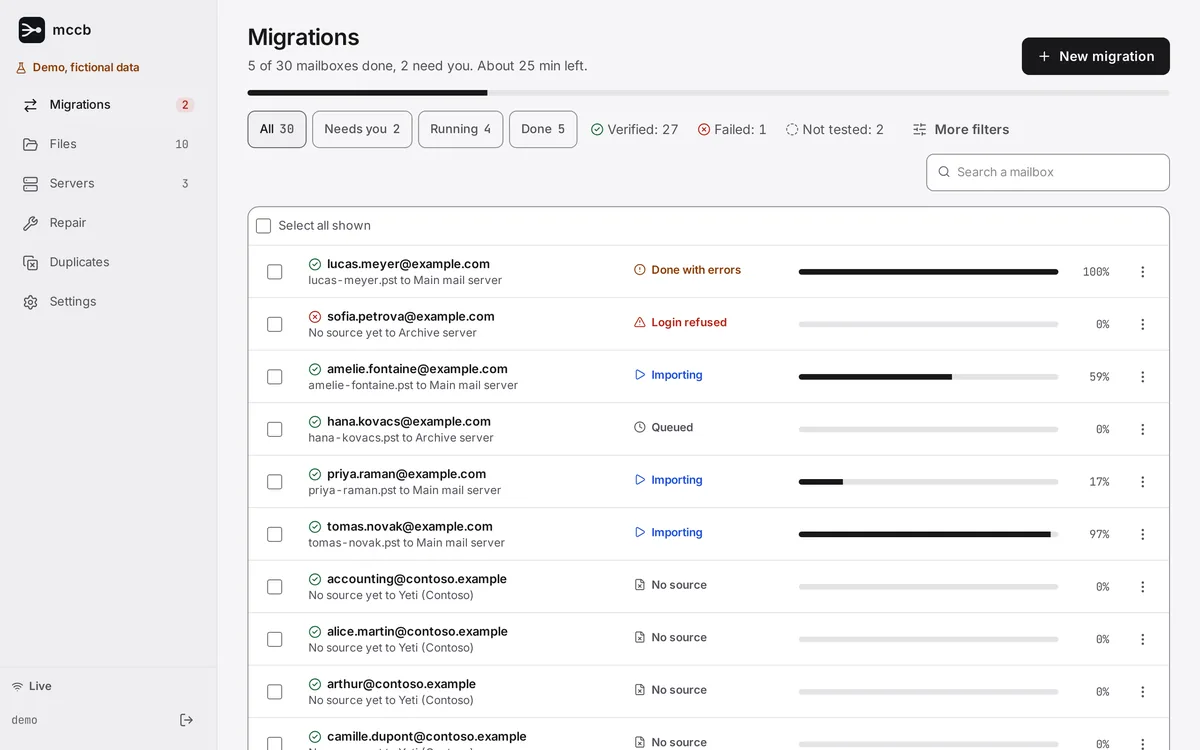
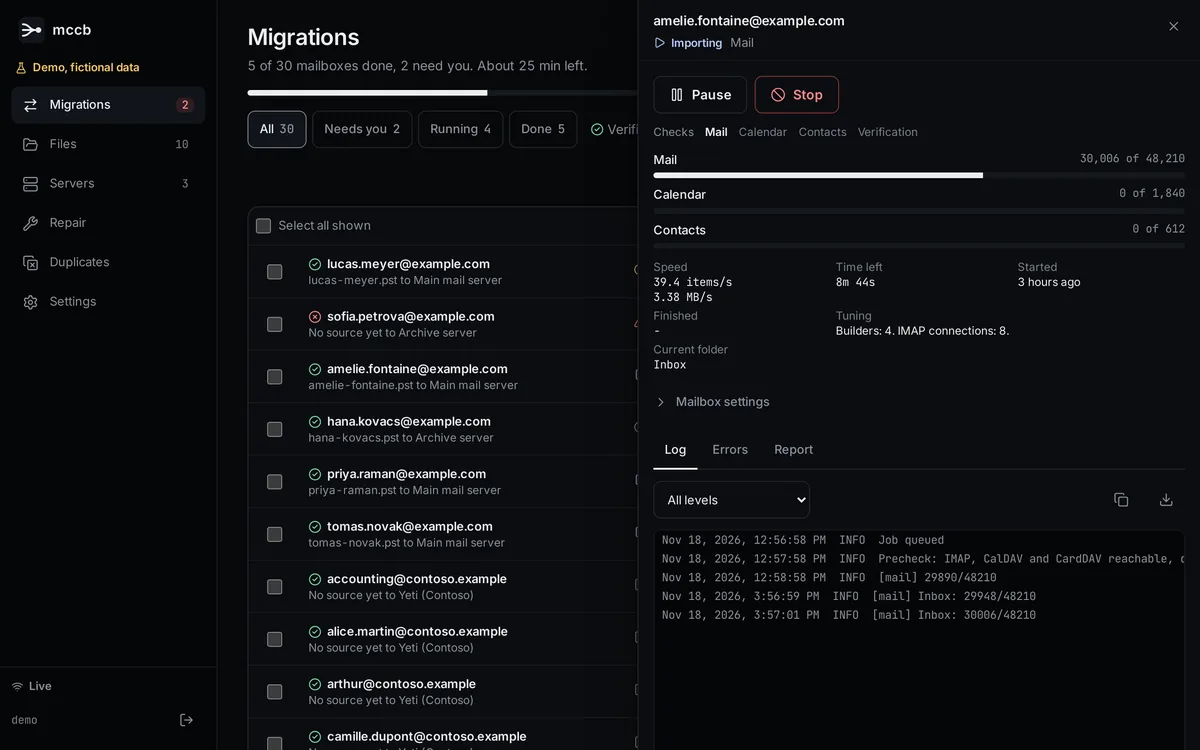
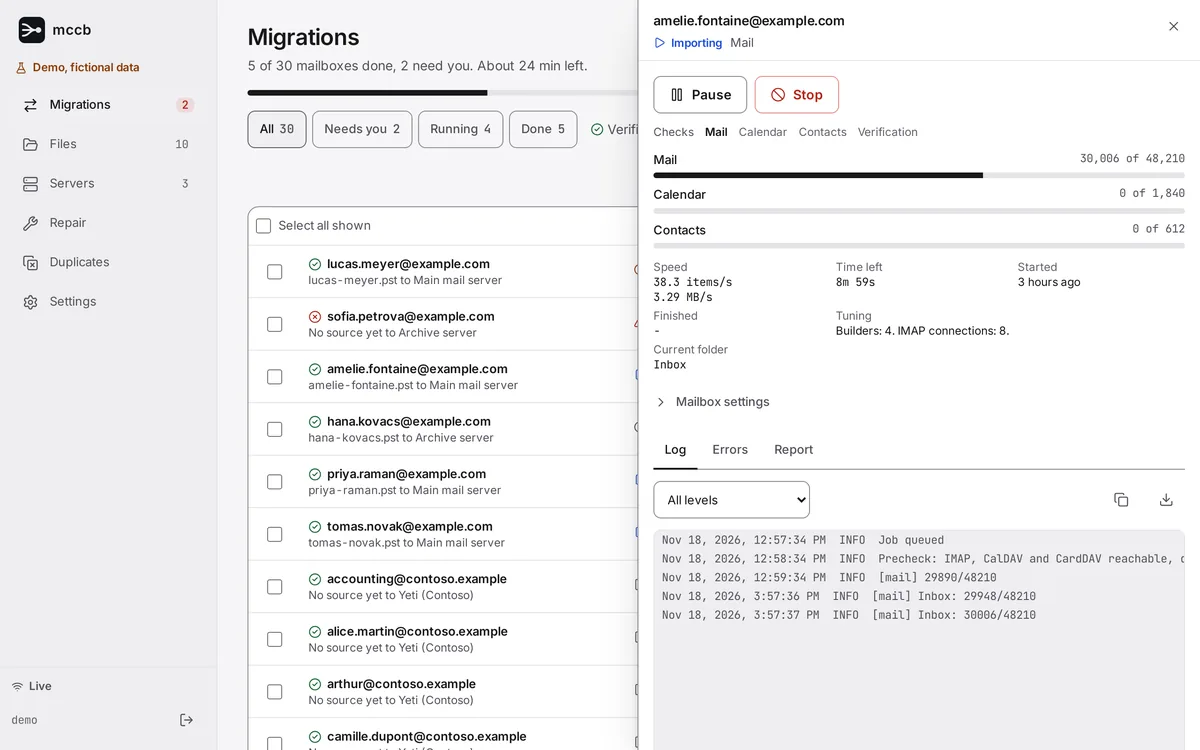
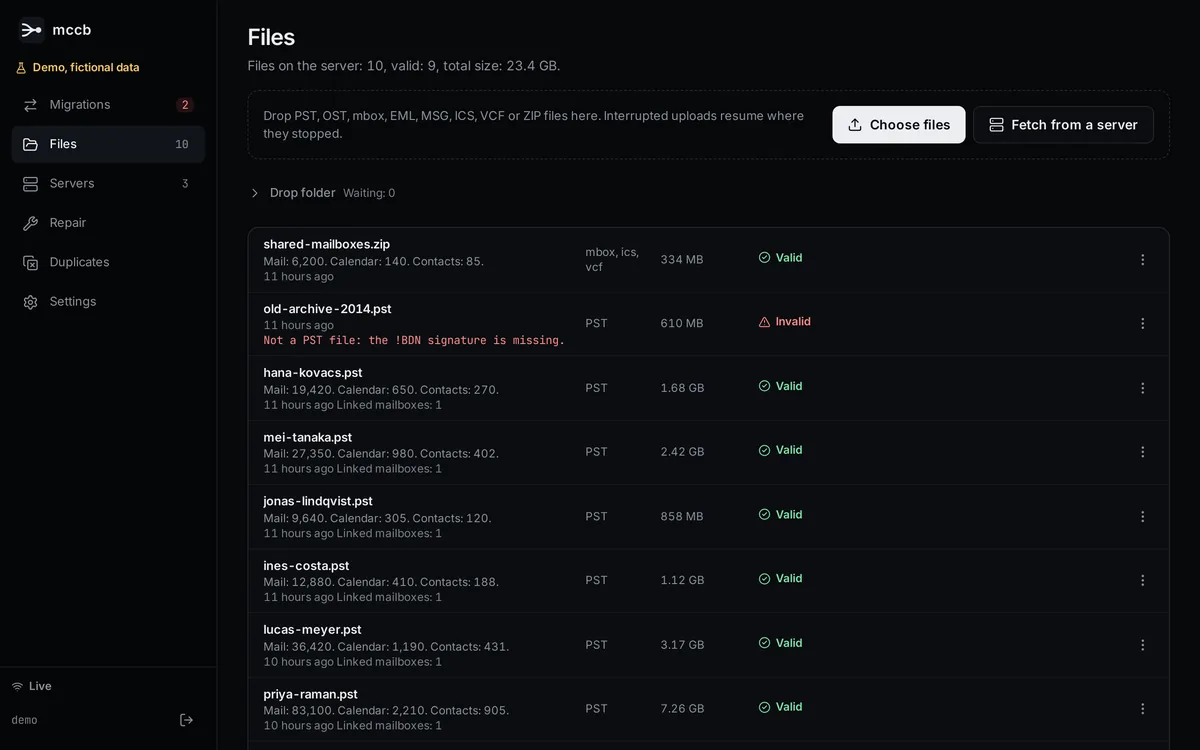
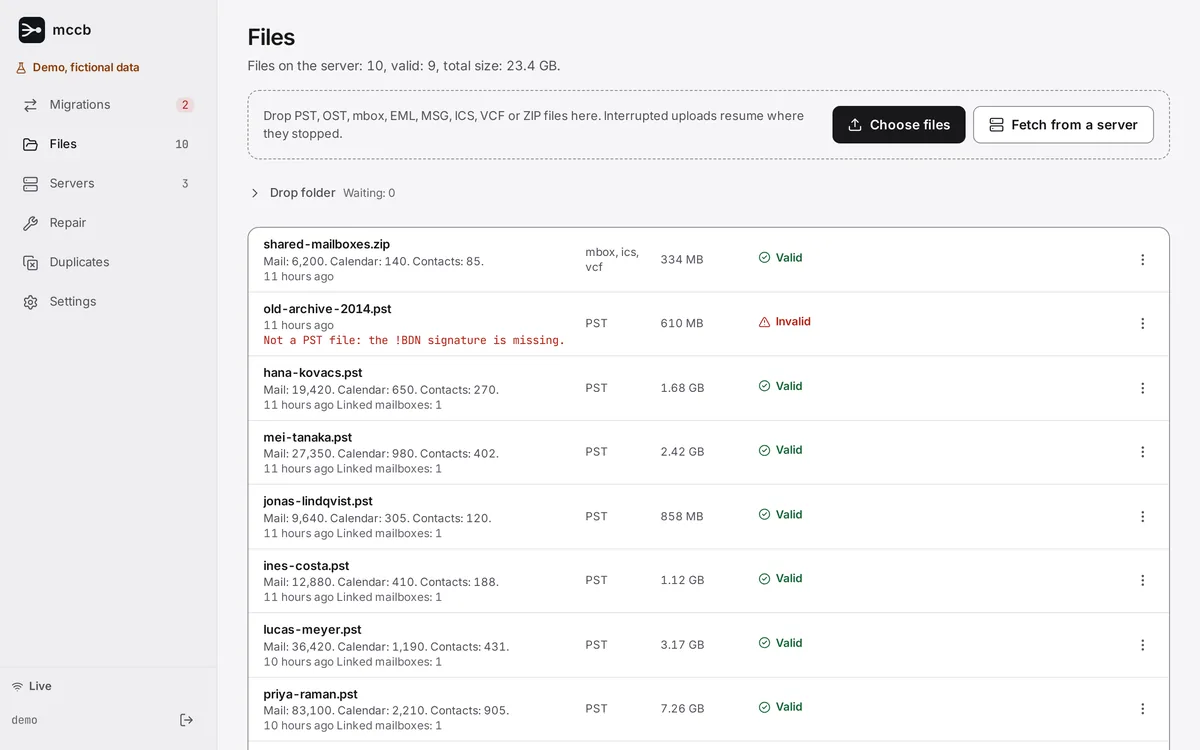
In production
More than 500 GB of mail already migrated without errors, with calendars and contacts.
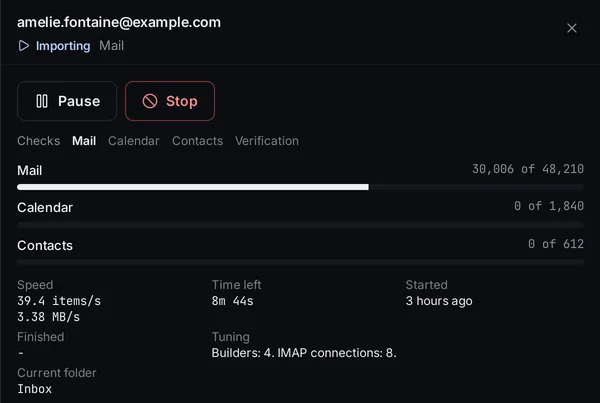
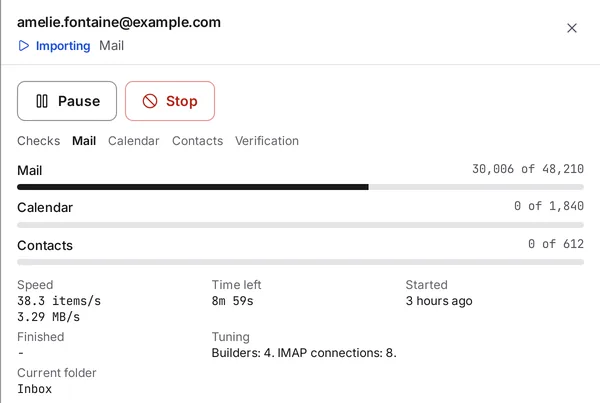
Pause, stop, resume. No duplicates.
Pause, stop, crash or restart: a resume checks the target first and never copies an item twice.
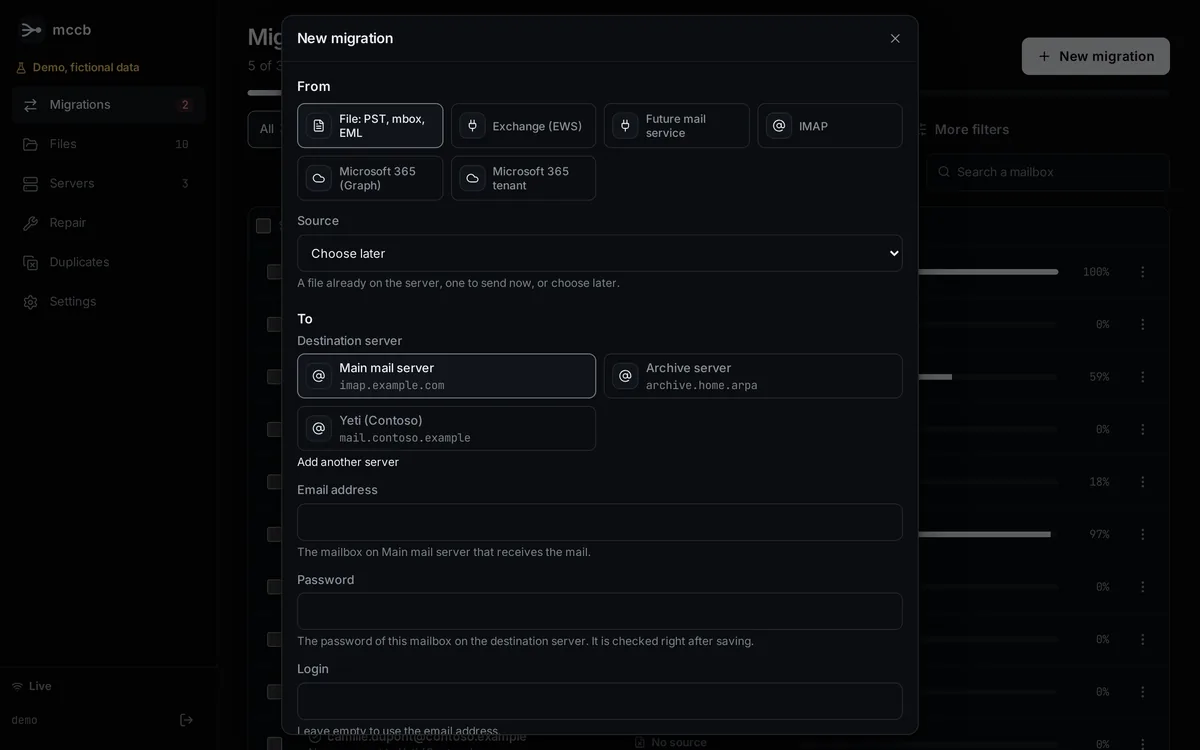
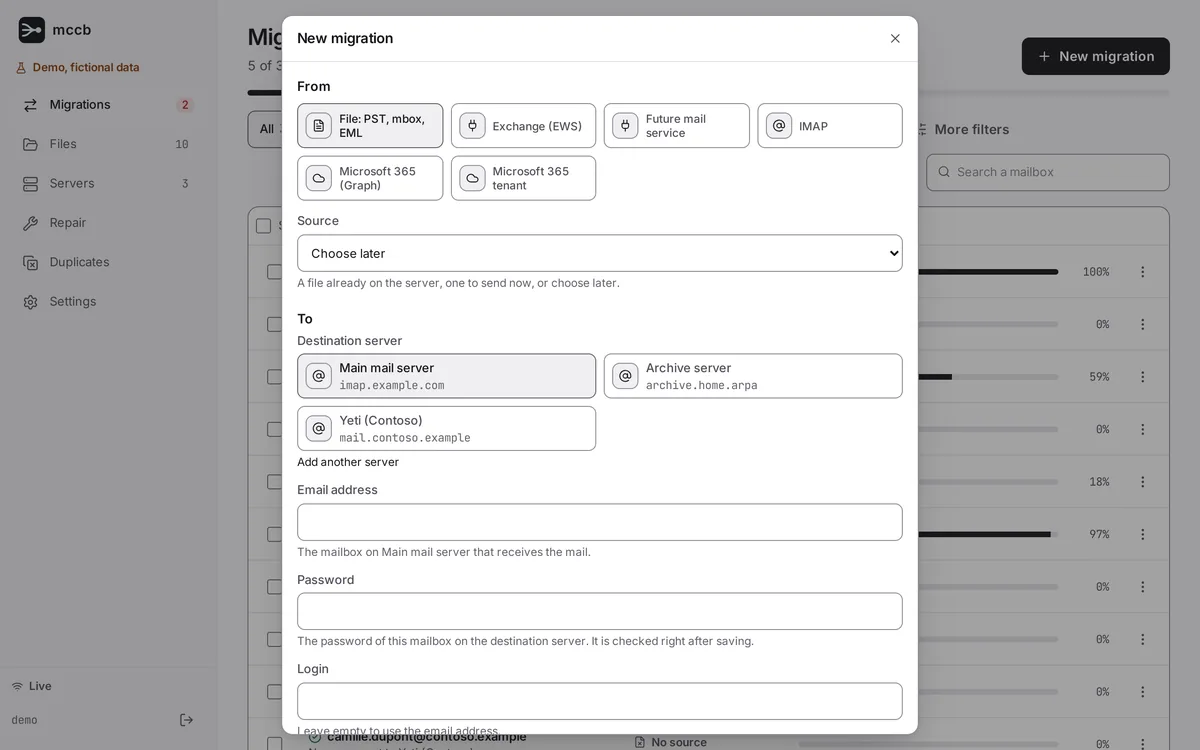
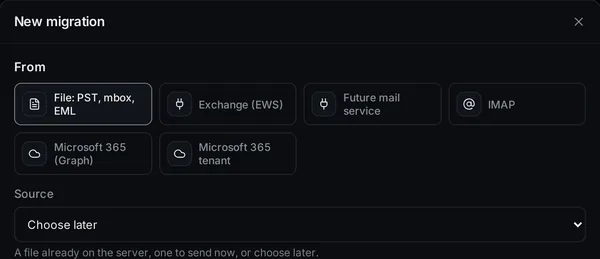
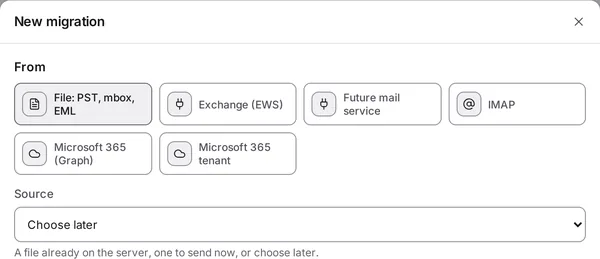
One form for every source
A file on the server, Exchange, Microsoft 365, a whole tenant or any IMAP server, to the mailbox it goes to.
A report for every mailbox
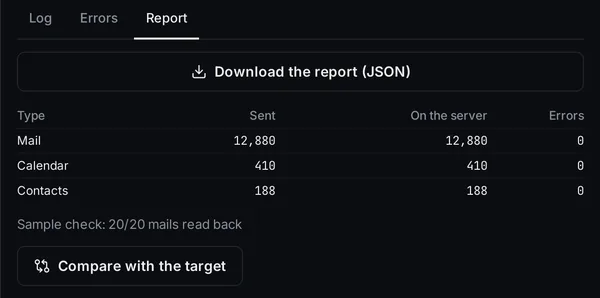
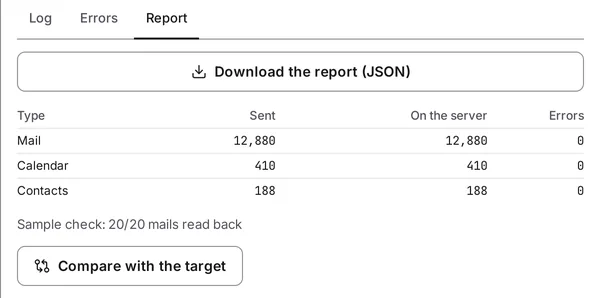
What was sent and what is on the server, for mail, calendars and contacts, with a sample of messages read back and compared.
Also included: dry run, folder mapping, allowed hours, bandwidth limit, final resync, repair of damaged mailboxes, duplicate removal, a command line and notifications.
See all featuresRunning in four commands
Open http://<host>:22362 and sign in with the printed password. It is shown once. Details are in the docs.
$ mkdir mccb && cd mccb
$ curl -fsSLO https://raw.githubusercontent.com/selfhostr/mccb/main/docker-compose.yml
$ docker compose up -d
$ docker compose logs web | grep -A2 "Admin password"Read this before you migrate.
- Exchange, Microsoft 365 and Google are tested on simulated servers only
- One administrator, one host
- A one-way copy, not a sync
- Plain HTTP: put it behind a reverse proxy